

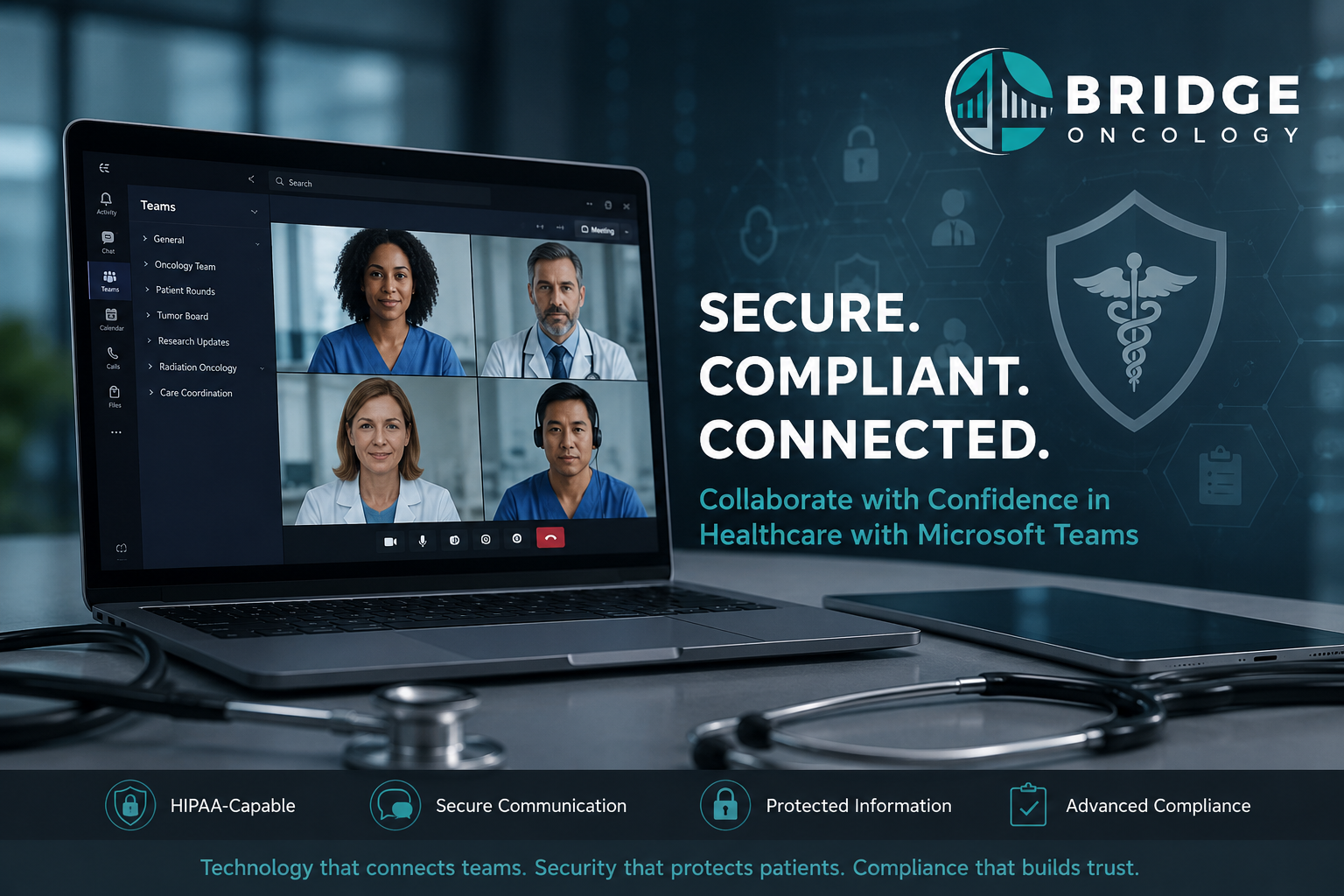
Healthcare organizations have increasingly adopted Microsoft Teams as their primary platform for communication, collaboration, and virtual meetings. From multidisciplinary tumor boards and physician consultations to administrative meetings and document sharing, Teams has become an integral part of modern healthcare operations. As organizations continue expanding remote work, virtual care, and cloud-based collaboration, one question continues to surface among compliance officers, IT leaders, and healthcare executives: Is Microsoft Teams HIPAA compliant?
The short answer is yes—but only under the right circumstances. Microsoft Teams is capable of supporting HIPAA compliance, but the platform itself is not automatically compliant simply because it is used within a healthcare organization. Compliance depends on how the platform is configured, managed, and governed. Organizations must understand that HIPAA compliance is not a feature that can simply be turned on; it is the result of a comprehensive security and governance strategy.
HIPAA Compliance Is About Organizations, Not Software
One of the most common misconceptions in healthcare technology is that software applications themselves become “HIPAA compliant.” In reality, HIPAA does not certify or approve software products. Instead, the law establishes standards for how covered entities and business associates protect electronic protected health information (ePHI).
Microsoft provides an enterprise collaboration platform with numerous security capabilities that can support HIPAA requirements, but the responsibility for implementing those safeguards ultimately belongs to the healthcare organization. Microsoft secures the underlying cloud infrastructure and provides security tools, while customers remain responsible for user access, identity management, retention policies, workforce training, auditing, monitoring, and overall compliance governance.
This shared responsibility model is fundamental to understanding Microsoft Teams. The platform provides the capability for compliance, but organizations remain accountable for protecting patient information.
Why Microsoft Teams Can Support HIPAA Compliance
Microsoft Teams operates within the broader Microsoft 365 ecosystem, which includes enterprise-grade security features specifically designed for regulated industries such as healthcare, finance, and government. These capabilities provide the technical safeguards necessary to help organizations meet many of the HIPAA Security Rule requirements.
Among the most important security features are encryption of data both in transit and at rest, multi-factor authentication, conditional access policies, identity and access management through Microsoft Entra ID, audit logging, retention policies, Data Loss Prevention (DLP), eDiscovery capabilities, sensitivity labels, and Microsoft Purview compliance solutions. Together, these tools provide a strong technical foundation for protecting electronic protected health information.
However, simply having these features available does not make an organization compliant. They must be intentionally configured, actively monitored, and integrated into an organization’s broader compliance program.
The Critical Role of the Business Associate Agreement
Before any protected health information is transmitted or stored within Microsoft Teams, healthcare organizations must ensure they have a valid Business Associate Agreement (BAA) with Microsoft. Under HIPAA, any vendor that creates, receives, maintains, or transmits protected health information on behalf of a covered entity must enter into a Business Associate Agreement outlining each party’s responsibilities for safeguarding patient information.
Microsoft provides HIPAA support for eligible Microsoft 365 enterprise services through its Online Services Data Protection Addendum, which includes Business Associate Agreement provisions for qualifying customers. Organizations should verify that their Microsoft licensing plan is eligible and that the agreement has been properly executed before relying on Teams for clinical communications.
Without an appropriate Business Associate Agreement, the use of Microsoft Teams to communicate protected health information presents significant compliance risks regardless of how secure the technology may otherwise be.
Configuration Determines Compliance
Perhaps the single most important factor determining whether Microsoft Teams can be used in a HIPAA-compliant manner is how the platform is configured. Default settings are rarely sufficient for healthcare environments where sensitive patient information is routinely discussed and shared.
Healthcare organizations should implement strong identity verification through multi-factor authentication, establish role-based access controls using the principle of least privilege, configure conditional access policies to limit access from unmanaged devices, and deploy mobile device management solutions such as Microsoft Intune. Organizations should also implement Data Loss Prevention policies, establish document retention requirements, restrict guest access, carefully manage external sharing, and continuously monitor audit logs for suspicious activity.
Each of these administrative and technical safeguards contributes to an organization’s overall HIPAA compliance posture. Organizations that simply deploy Teams without carefully configuring these controls increase their exposure to privacy and security violations.
Governance Is More Important Than Technology
Ironically, Microsoft Teams itself is rarely the cause of HIPAA violations. The greater risk typically comes from how employees use the platform on a daily basis. Even the most secure technology cannot prevent poor operational practices or inadequate governance.
Healthcare organizations frequently encounter risks when users share protected health information in public channels, invite unauthorized external guests into conversations, download patient files onto unmanaged personal devices, improperly record meetings containing protected health information, or install third-party applications that have not undergone appropriate vendor security reviews.
These situations represent governance failures rather than technology failures. Successful HIPAA compliance depends as much on organizational policies, workforce education, and leadership oversight as it does on technical security controls.
Artificial Intelligence Creates New Compliance Considerations
The rapid integration of artificial intelligence throughout Microsoft 365 introduces an entirely new layer of compliance considerations for healthcare organizations. Microsoft Copilot, AI-generated meeting summaries, automated transcription, intelligent document search, and other AI-powered productivity tools have the potential to significantly improve efficiency across healthcare operations.
However, these innovations also raise important questions regarding the handling of protected health information. Organizations should carefully evaluate where AI-generated summaries are stored, whether protected health information is included in prompts submitted to AI systems, how AI-generated outputs are retained, who has access to those outputs, and whether newly introduced AI capabilities remain covered under existing Business Associate Agreements.
Artificial intelligence governance is rapidly becoming an essential component of HIPAA compliance. Organizations should conduct formal risk assessments before enabling new AI features and ensure that policies evolve alongside emerging technologies.
Microsoft Teams and Telehealth
Many healthcare organizations now utilize Microsoft Teams as part of their telehealth strategy. When properly configured within eligible Microsoft 365 enterprise environments, Teams can support HIPAA-compliant virtual patient encounters.
Nevertheless, successful telehealth extends beyond selecting a secure video platform. Healthcare organizations must establish policies governing patient authentication, virtual waiting rooms, recording permissions, informed consent, clinical documentation, identity verification, and integration with electronic health records. These operational processes are just as important as the technology itself in maintaining regulatory compliance and protecting patient privacy.
HIPAA Compliance Requires Continuous Oversight
Healthcare technology continues to evolve rapidly, and Microsoft regularly introduces new features across Teams, SharePoint, OneDrive, Microsoft Purview, and Copilot. While these enhancements often improve productivity and collaboration, they may also introduce new compliance risks if organizations fail to evaluate them appropriately.
HIPAA compliance should therefore be viewed as an ongoing governance process rather than a one-time implementation project. Organizations should conduct periodic security risk assessments, review user access permissions, monitor audit logs, update organizational policies, provide recurring workforce education, evaluate vendor relationships, and reassess AI governance as new technologies become available.
Maintaining compliance requires continuous attention and adaptation rather than assuming that an initially secure deployment will remain compliant indefinitely.
Best Practices for Healthcare Organizations
Healthcare organizations implementing Microsoft Teams should begin by confirming that they have an eligible Microsoft 365 enterprise licensing plan and a valid Business Associate Agreement with Microsoft. They should perform a comprehensive HIPAA Security Risk Analysis before deployment, implement strong identity management controls including multi-factor authentication, configure Microsoft Purview compliance capabilities, restrict external sharing where appropriate, establish formal governance policies for collaboration, and provide workforce education regarding acceptable use of the platform.
Organizations should also regularly review AI-enabled features before enabling them in production environments and establish continuous auditing processes to identify potential compliance gaps before they result in reportable incidents.
Technology alone cannot ensure HIPAA compliance. Effective governance, leadership, security oversight, and workforce accountability remain the foundation of every successful compliance program.
Conclusion
Microsoft Teams is fully capable of supporting HIPAA-compliant communication and collaboration when deployed within the appropriate Microsoft 365 environment and governed by a comprehensive compliance framework. However, healthcare organizations should avoid describing Teams as simply being “HIPAA compliant.” A more accurate characterization is that Microsoft Teams is a HIPAA-capable platform whose compliance depends on proper configuration, a valid Business Associate Agreement, ongoing security management, workforce education, and organizational governance.
As healthcare increasingly embraces cloud collaboration, virtual care, and artificial intelligence, organizations must recognize that compliance is no longer determined solely by the software they purchase. Instead, it is defined by how effectively they govern the technology, manage risk, and protect patient information throughout its lifecycle. Those organizations that combine enterprise collaboration tools with strong compliance practices will be best positioned to support innovation while maintaining the trust of patients, providers, and regulators alike.